

Hiring & people
Structured notes and fair, side-by-side comparisons for every candidate. Stay present in the conversation and leave people a searchable record to revisit.
Ask it in the debrief,get the evidence back
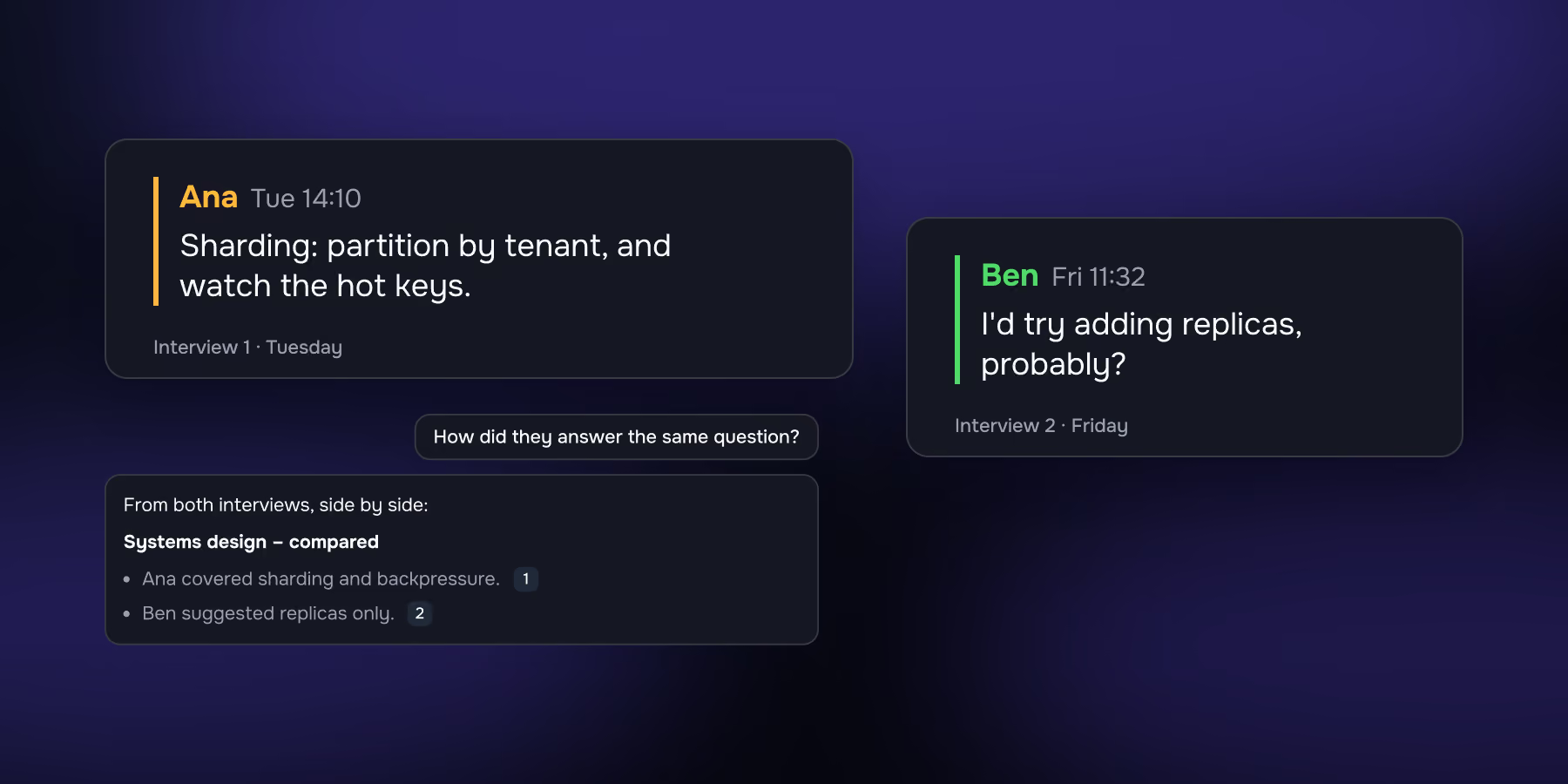
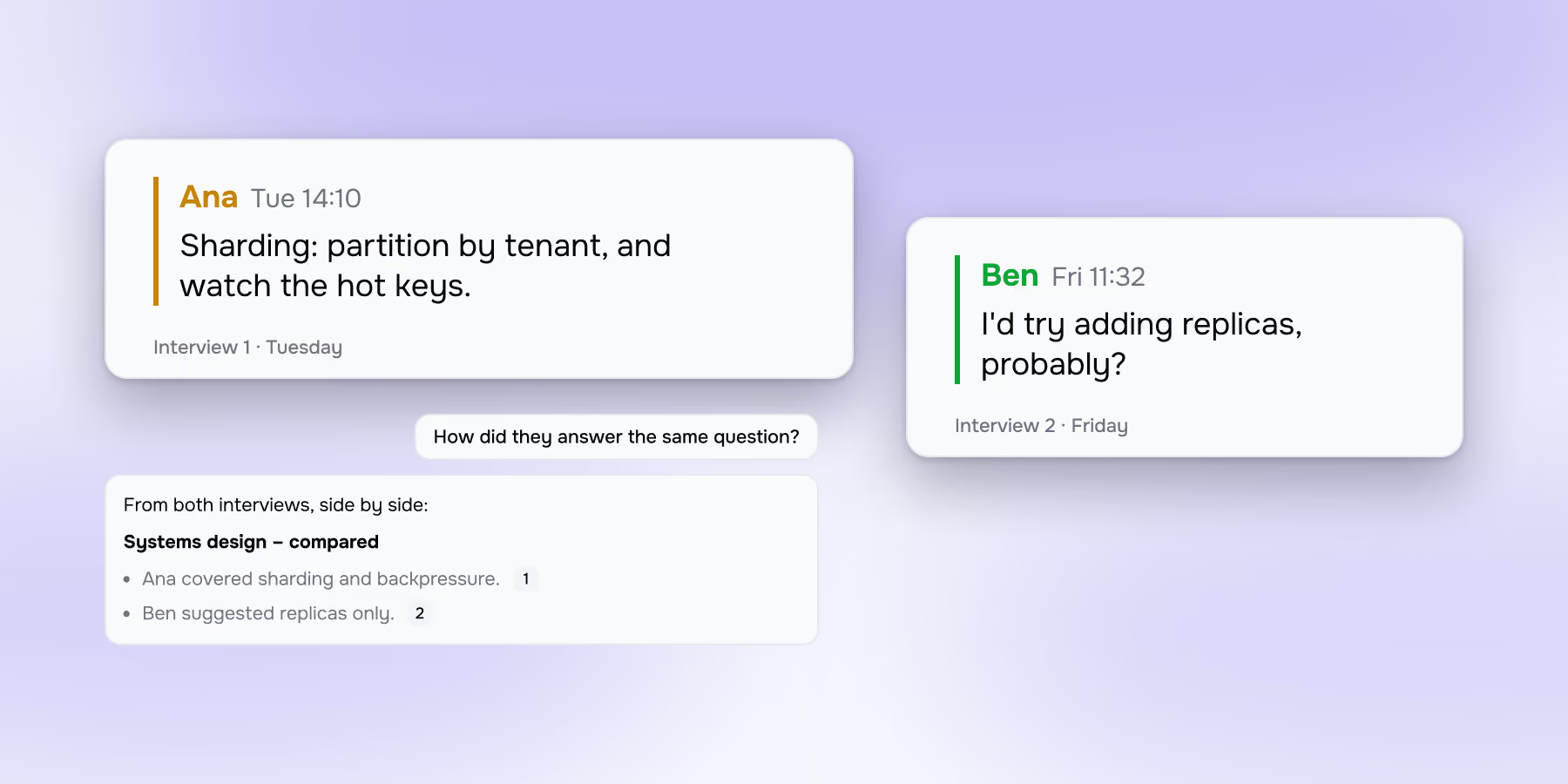
How did the two finalists answer the same question?
What goals did we set in the last review?
What did we tell them about the deploy process?
Bring it to any of these
Recruiting interviews
Structured notes and fair, side-by-side comparisons.
Performance & feedback conversations
Stay present, capture commitments.
Onboarding sessions
Give new hires a searchable record to revisit.
Before
Open a thread, add whatever context matters, and the agent walks in already knowing it.
During
Ask it anything while the conversation is still running. Every answer cites where it came from.
After
Notes, decisions and follow-ups come out on their own. Nothing reaches another tool until you approve it.
Common questions
What's the difference between "no bot" and "on-device"?
"No bot" means nothing joins your meeting as a participant — a statement about the call. "On-device" means audio is processed on your own computer — a statement about your data. A tool can be bot-free and still send every second of audio to third-party cloud providers. Meetia's Mac app is bot-free and on-device.
Does Meetia store my meeting audio?
No — not on any plan, on any platform. The transcript is kept; the audio is never stored. On the Mac app it doesn't leave your machine at all.
Can I use Meetia as a normal AI chat, without a meeting?
Yes. A thread can be pure chat — draft, brainstorm, rewrite, think out loud — with your transcripts and documents already in context. For most people this replaces a second AI tab, because the thing you'd have pasted in is already there.
Can I use Meetia on my own, without a team?
Yes. Most people do at first. Your Inbox is a private space for AI chats, meeting threads and voice memos, with the same knowledge base and the same assistant. No workspace to configure, nobody to invite.
Can I add my own documents, not just meetings?
Yes, and in two ways. Add a document to a workspace and it joins that project's knowledge base permanently — indexed for retrieval, available to every thread, citable in any answer. Or attach a file to a single chat message when it only matters for that question. Supported formats are PDF, Word, plain text, Markdown and images.
Can the AI use things said in other meetings?
Yes, within the same workspace. It draws on every thread, transcript and document there, and tells you which one an answer came from.
Can I keep using the same thread for a recurring meeting?
Yes. Reopen a thread and record the next call into it. A weekly 1:1 or a standing client sync becomes one continuous record with its full history in the assistant's context, rather than a list of separate files.
Can other people on the call tell I'm using Meetia?
Nothing joins the call, so there's no bot in the participant list, but the consent is your responsibility. Meetia's desktop app prompts you to confirm it when it detects a call starting. Tell people you're recording.
Which languages does Meetia transcribe?
Web app (13 languages): English, Chinese, Hindi, Spanish, Arabic, French, Portuguese, Russian, German, Japanese, Korean, Italian, Dutch. Mac desktop app (100 languages): Afrikaans, Albanian, Amharic, Arabic, Armenian, Assamese, Azerbaijani, Bashkir, Basque, Belarusian, Bengali, Bosnian, Breton, Bulgarian, Burmese, Cantonese, Catalan, Chinese, Croatian, Czech, Danish, Dutch, English, Estonian, Faroese, Finnish, French, Galician, Georgian, German, Greek, Gujarati, Haitian Creole, Hausa, Hawaiian, Hebrew, Hindi, Hungarian, Icelandic, Indonesian, Italian, Japanese, Javanese, Kannada, Kazakh, Khmer, Korean, Lao, Latin, Latvian, Lingala, Lithuanian, Luxembourgish, Macedonian, Malagasy, Malay, Malayalam, Maltese, Maori, Marathi, Mongolian, Nepali, Norwegian, Nynorsk, Occitan, Pashto, Persian, Polish, Portuguese, Punjabi, Romanian, Russian, Sanskrit, Serbian, Shona, Sindhi, Sinhalese, Slovak, Slovenian, Somali, Spanish, Sundanese, Swahili, Swedish, Tagalog, Tajik, Tamil, Tatar, Telugu, Thai, Tibetan, Turkish, Turkmen, Ukrainian, Urdu, Uzbek, Vietnamese, Welsh, Yiddish, Yoruba.
Can Meetia connect to Jira, Notion, Slack or a CRM?
Yes, through MCP — paste the server URL and its tools become available to the assistant, including mid-call. Google Calendar connects directly and drives calendar-based auto-recording. Anything that writes to an external system stops and asks first.
Can I use Meetia's knowledge inside Claude or ChatGPT?
Yes. Meetia runs its own MCP server, so other AI tools can reach what Meetia knows.
Do I have to install anything?
Only for the Mac app. The web app needs nothing installed and records browser-based calls in Zoom, Google Meet and Teams. Installing the Mac app adds system-audio capture from any app, on-device transcription, automatic call detection and calendar auto-record.
Stay present.
Let Meetia handle the rest
Prep, brainstorm, decide, and follow through – with one AI agent across your whole meeting