

No bot in the call. Meetia detects it for you.
We removed the participant bot entirely. Capture happens from your side – and can start on its own.
Capture from your browser, or from your Mac
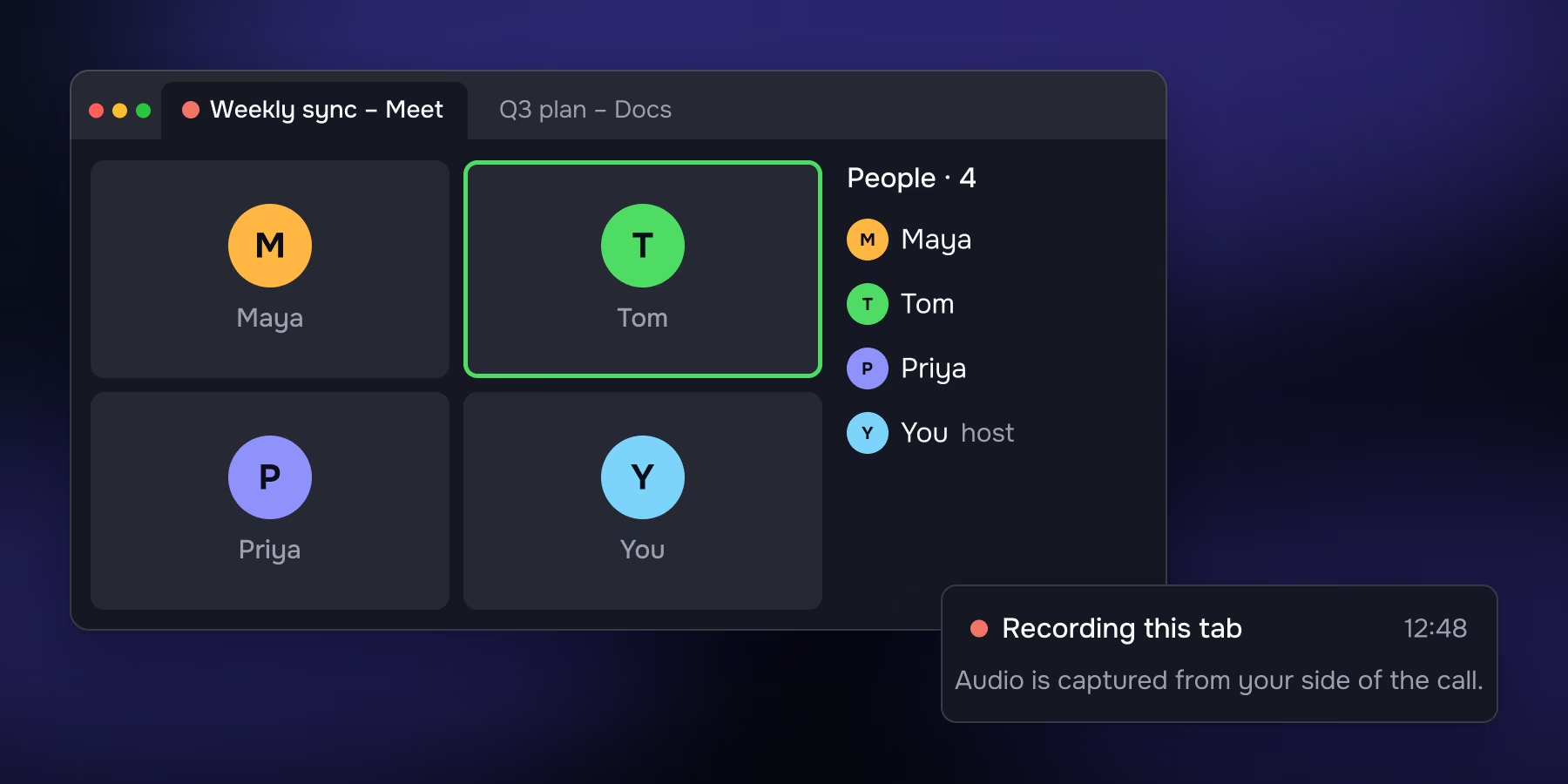
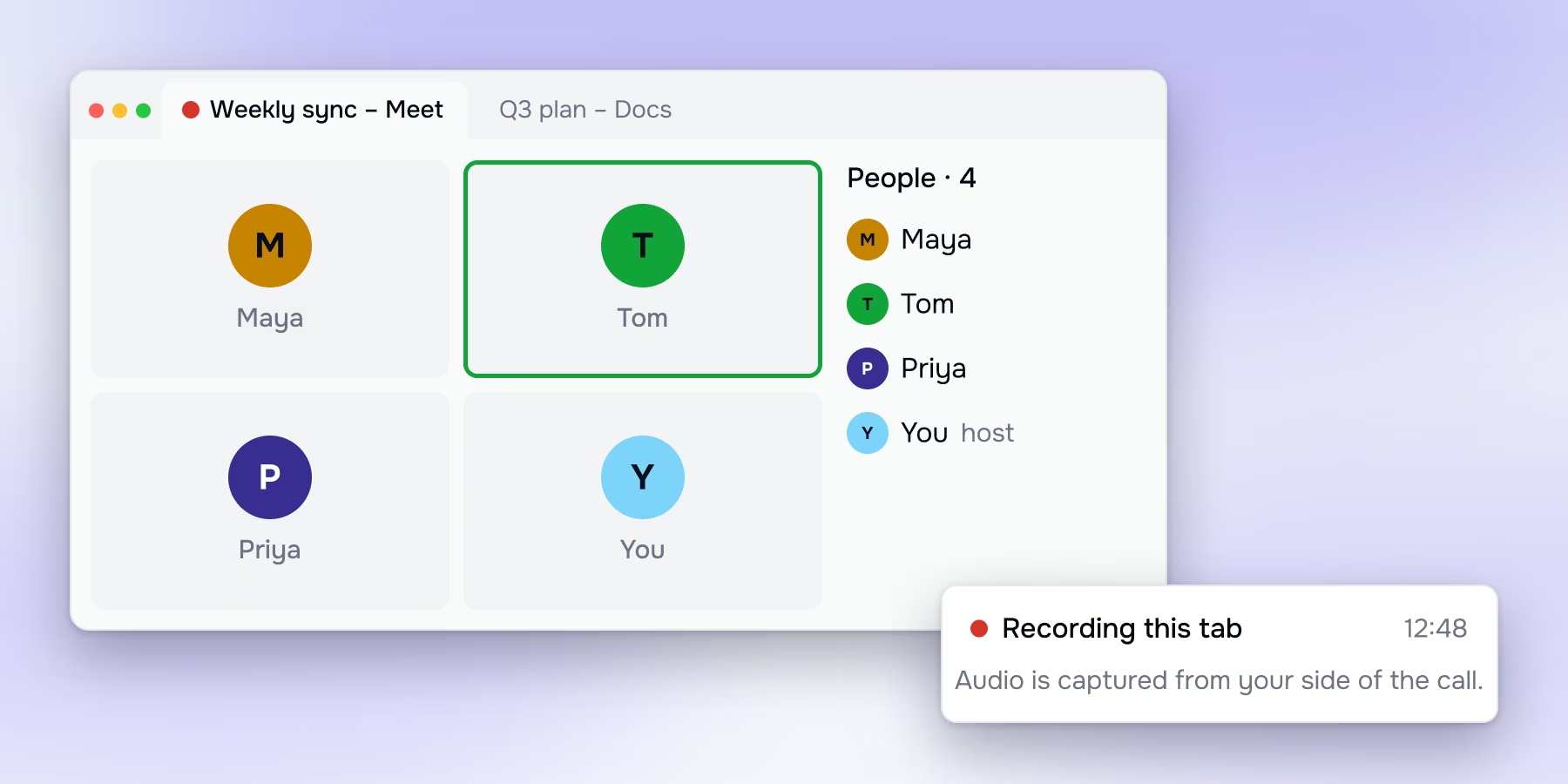
Browser recording
Capture audio directly from your browser tab. Works with any browser-based app, including Zoom, Microsoft Teams, and Google Meet. No participant joins; no one knows it's on.
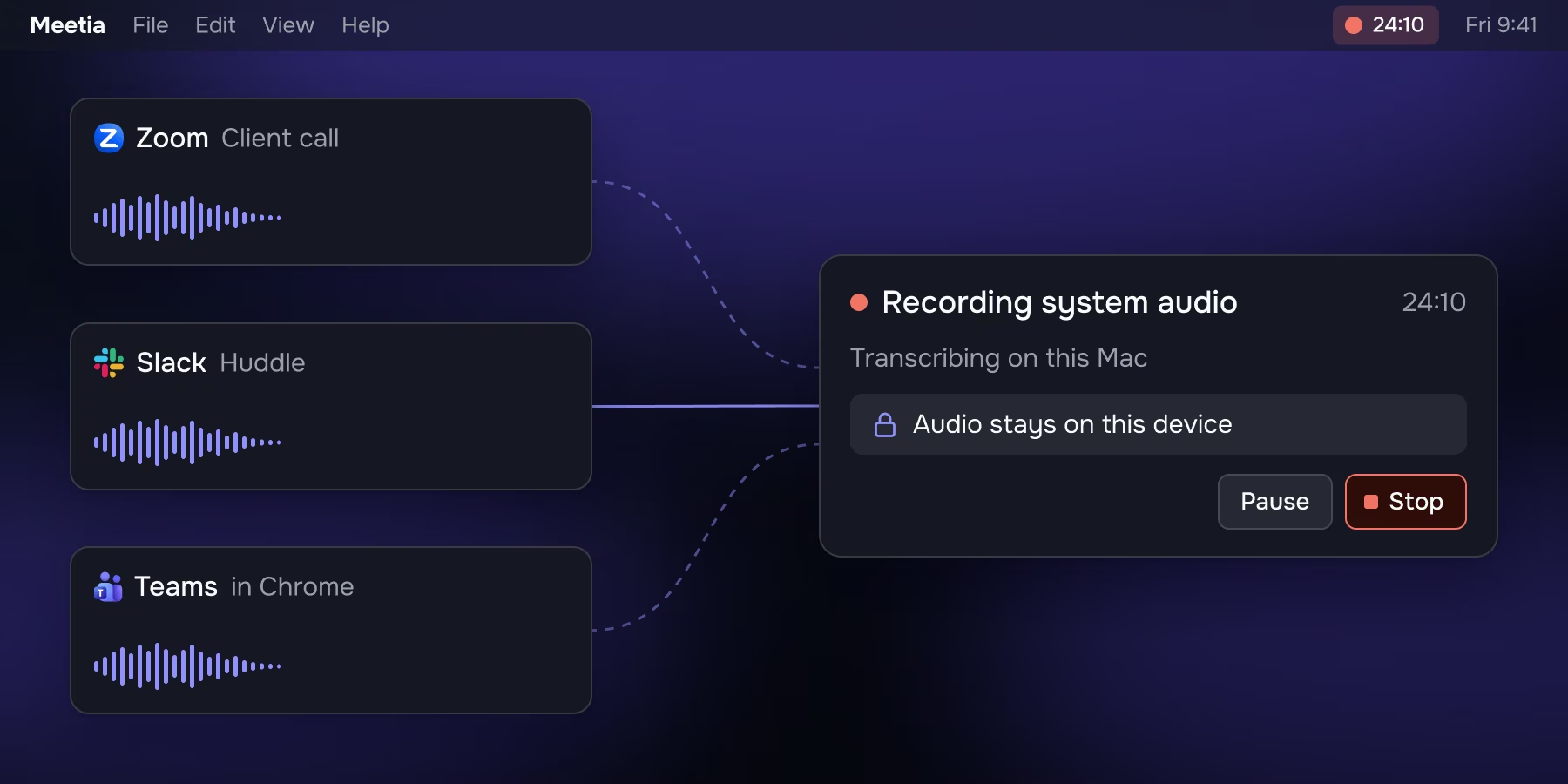
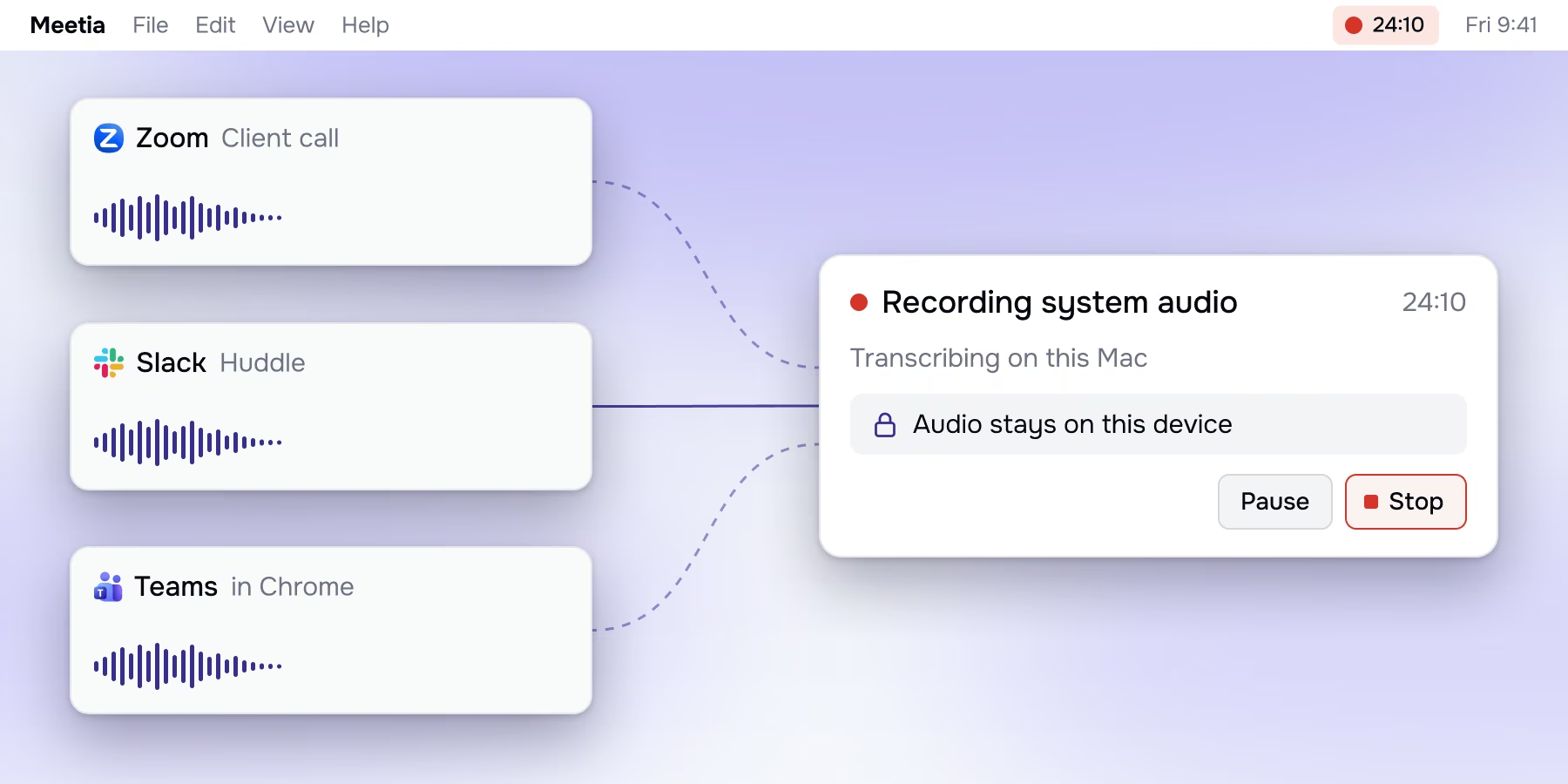
Desktop system-audio capture
The Mac app records the audio of any app without sharing a screen or tab, and transcribes it on-device.
Ready when you are
It notices a call and asks before recording, follows the calendar rules you set, and takes a memo whenever you want one.
Automatic call detection
On desktop, when a call starts using your microphone, Meetia asks whether to record it – catching spontaneous calls that were never scheduled.
Calendar auto-record
Connect Google Calendar and set rules for which meetings record themselves automatically.
Voice memos
Record and transcribe standalone audio anytime, including in-person conversations and quick thoughts.
No matter the mode, Meetia keeps only the transcript.
Your audio and video are never stored – and on desktop, audio never leaves your machine.
Stay present.
Let Meetia handle the rest
Prep, brainstorm, decide, and follow through – with one AI agent across your whole meeting